Business Utilities
Business Utilities provide tools for managing your business's day-to-day operations, including statistics widgets, calendars, clients, payments, and locations.
Statistics & Widgets
Business stats are widgets that appear on a user's dashboard, giving information about the business and a user's tasks on the RMS. The stats page allows users to add and remove widgets from their dashboard.
BUSINESS:BUSINESS_STATS:VIEW
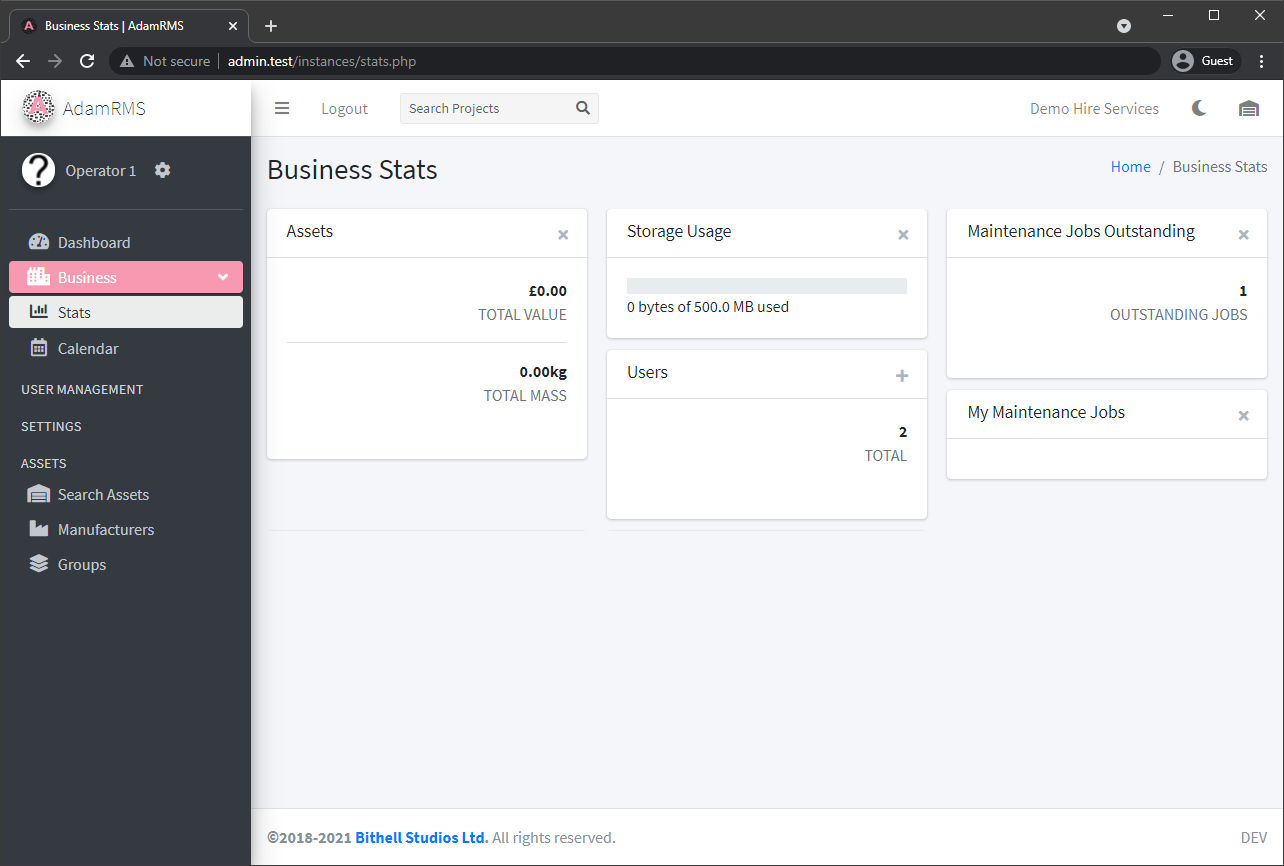 Business Stats Widgets
To add a widget to your dashboard:
- Navigate to Business > Stats in the side menu.
- Browse the available widgets.
- Click on a widget to add it to your dashboard.
- Widgets can be removed by clicking on them again.
Your widget selection is personal -- each user can customise their own dashboard independently.
If your role group has a Custom Dashboard assigned, the custom CMS page replaces the standard dashboard, so these widgets (and the calendar) will not be shown.
Calendar
The Business Calendar shows an overview of all projects that are currently not archived or deleted. It is also displayed on the main Dashboard page.
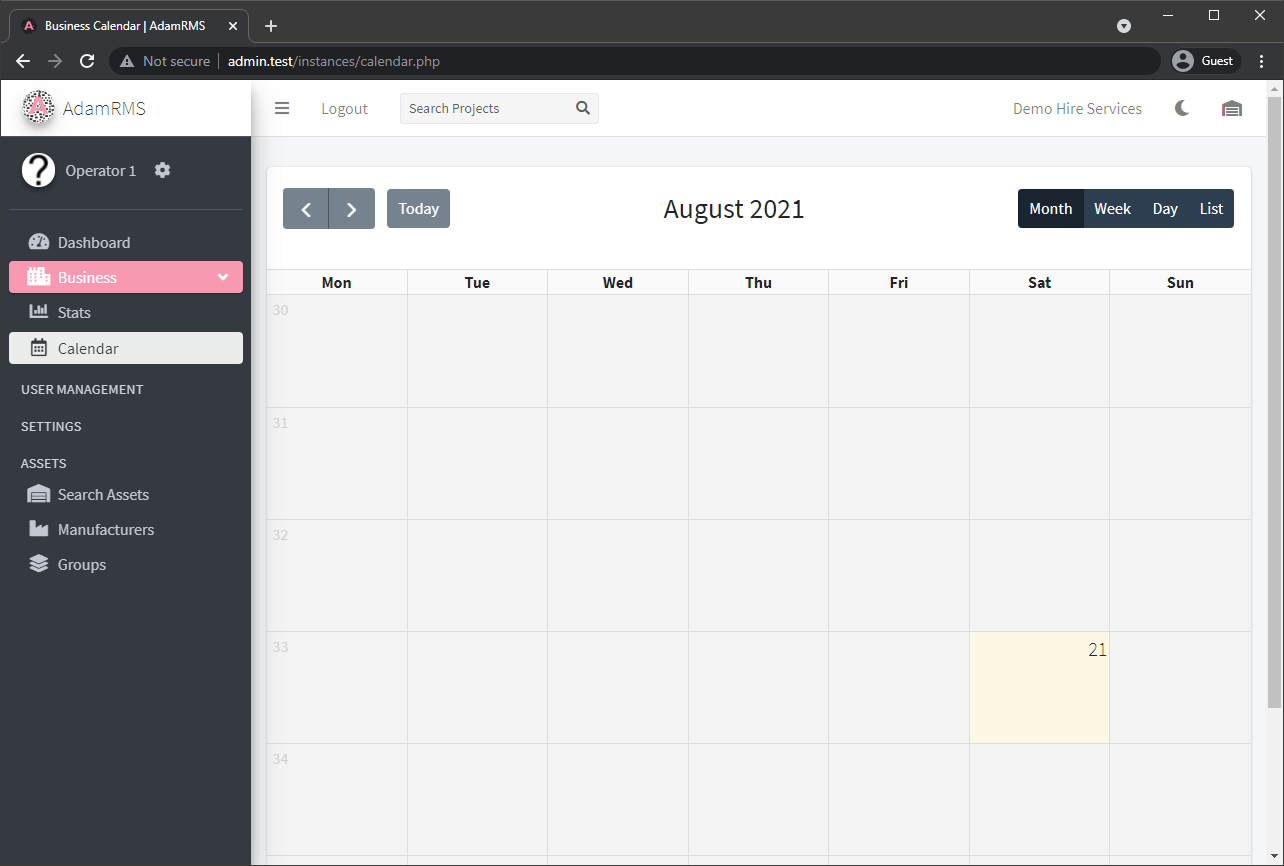 Business Calendar
The calendar displays projects colour-coded by their status. You can:
- Switch between month, week, day, and list views
- Click on a project to navigate to its detail page
- See project statuses alongside project names (configurable in Business Settings)
By default, the week numbers listed in the calendar are the week of the year. However, these can be customised on a week-by-week basis in the Business Settings page using Week Labels.
To export the calendar to an external application (Google Calendar, Apple Calendar, Outlook), see Calendar Export on your account page.
Clients
The Clients page lets you manage your business's client directory, including tracking payment totals and outstanding balances.
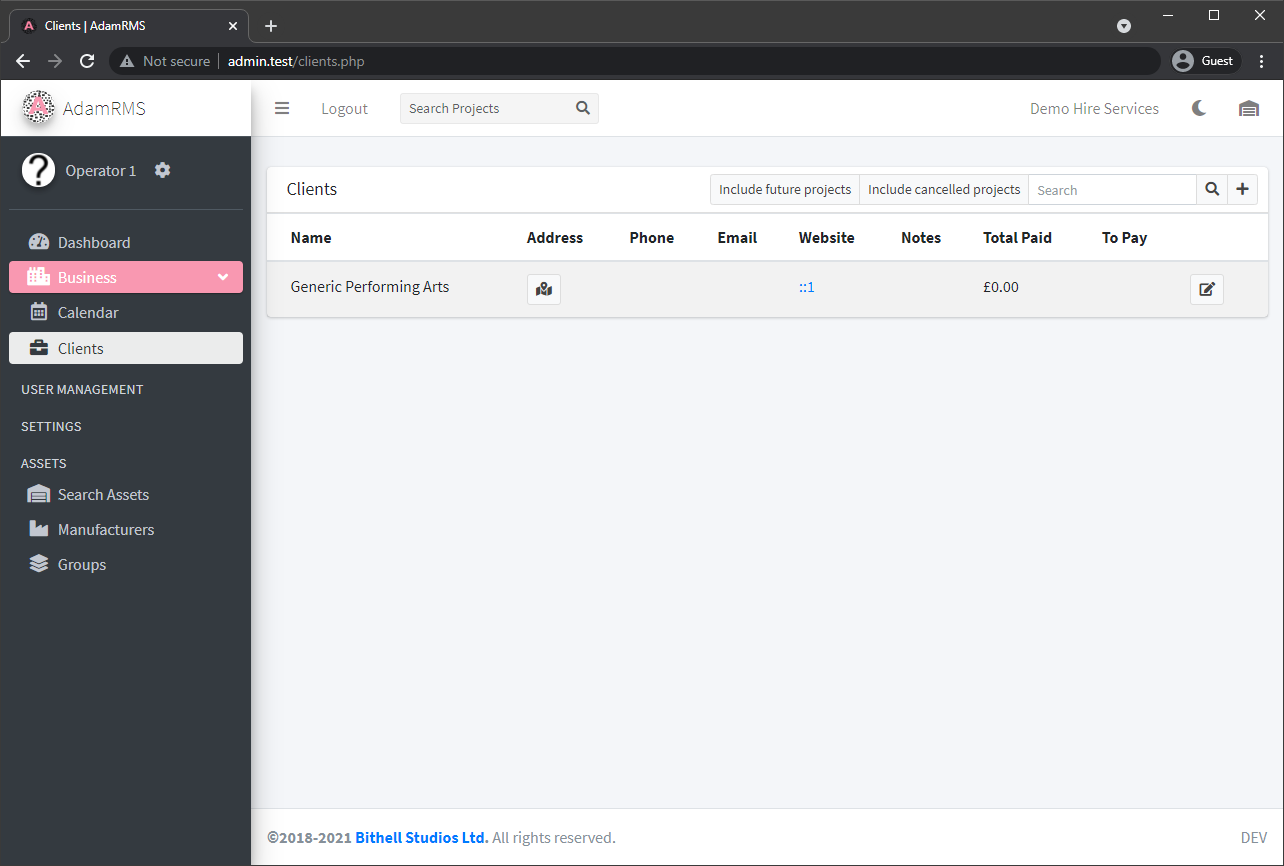 Client List
For full documentation on creating, editing, searching, and archiving clients, see the dedicated Clients page.
Payments Ledger
The Payments page is your business ledger, which tracks all payments received across all projects.
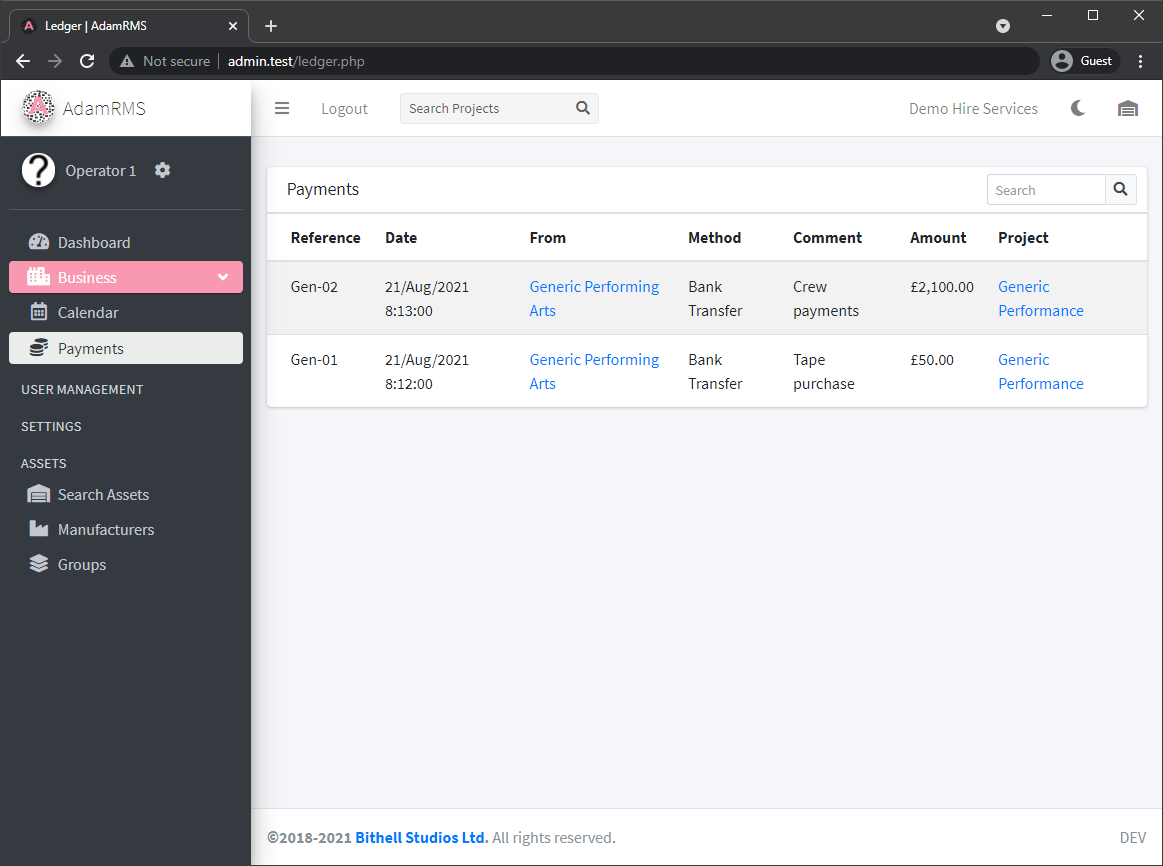 List of Payments
For full documentation on viewing, searching, and managing payment records, see the dedicated Ledger page.
Locations
Locations represent venues, warehouses, and storage areas. They support hierarchical sub-locations and barcode-based asset tracking.
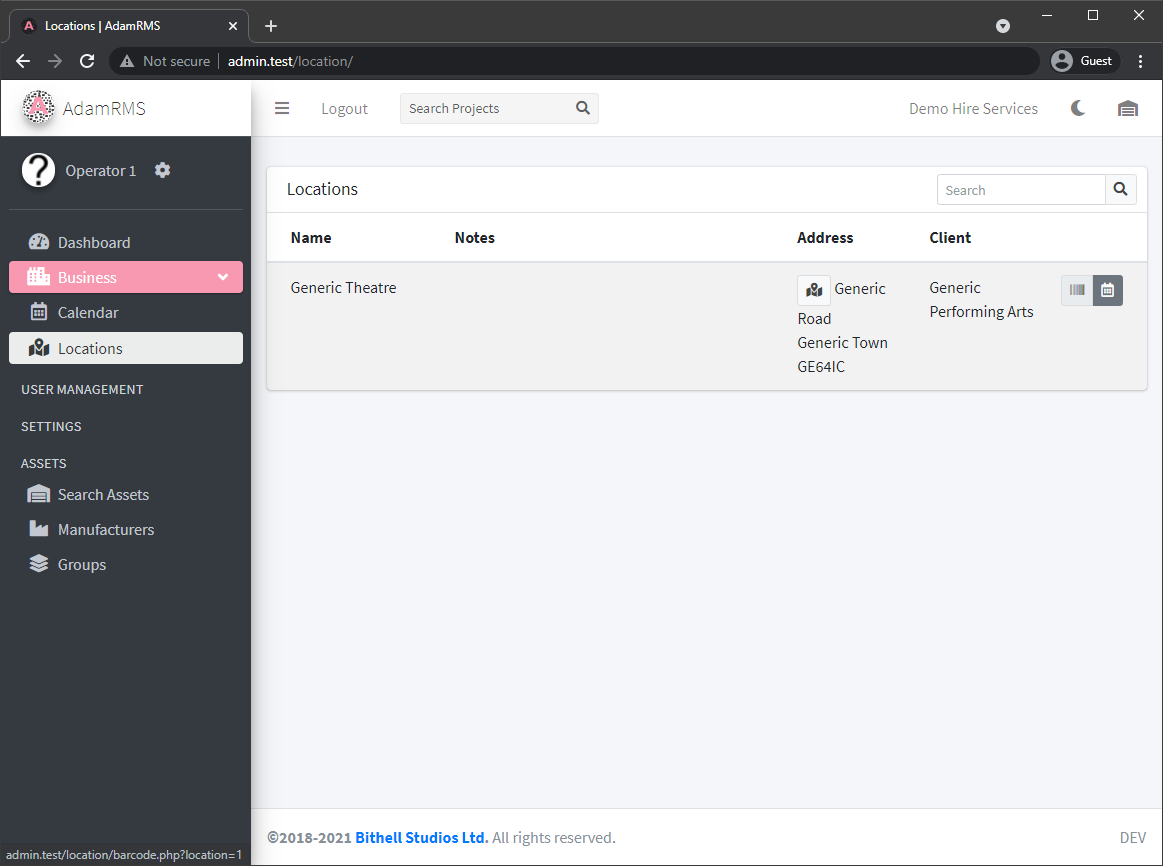 List of Locations
For full documentation on creating, editing, and managing locations, see the dedicated Locations page.